
peter's pages
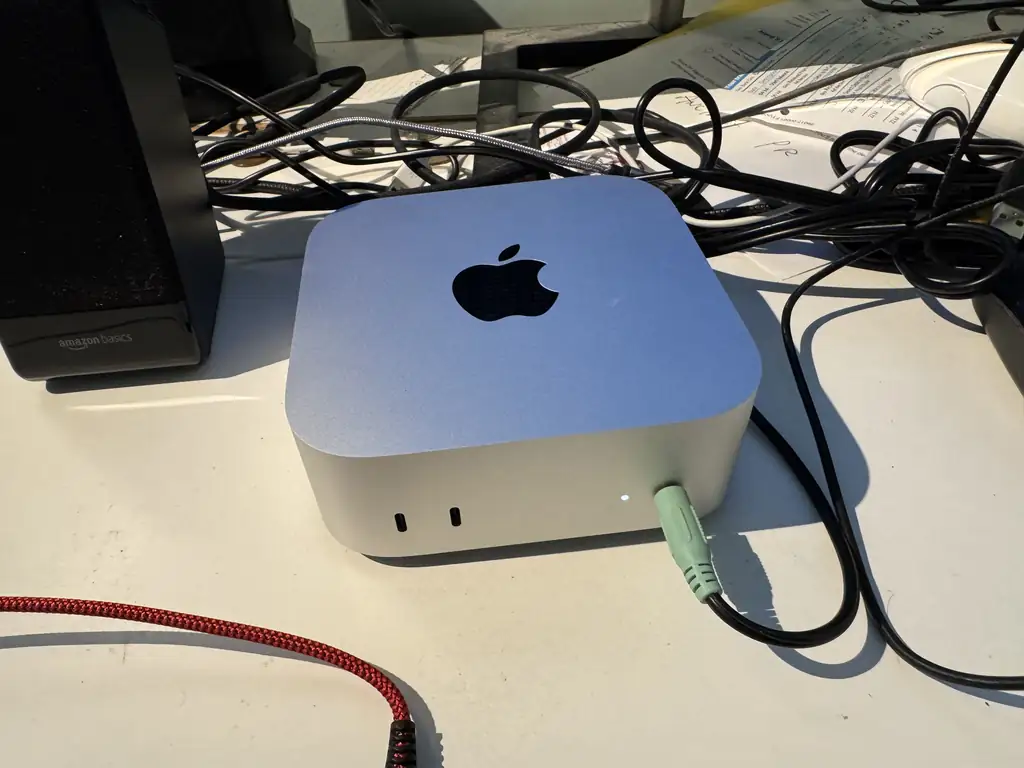
Being selfish I got a new M6 powered MacMini from Apple. It all works fine so far but I had fun migrating from the Macbook I was using.
Migration Assistant hung twice and I followed web advice and cancelled it, let the setup continue without migration, then migrated my user account afterwards. The assistant reported quite slow max communication speeds with the first USB cable I tried, the second shorter one was much better, perhaps I should have invested in a Thunderbolt cable? The actual transfer speeds during the migration were way below the claimed max speeds. Restarting the computers involved can fix issues.
The display resolutions are a bind at the moment. I want to use a higher resolution but setting the font sizes is fiddly.
| Step | Details |
| Migrate user | Migration Assistant app |
| Install libvips | brew install vips |
| Install Ruby | brew install ruby |
| Install Ruby gems | I run things and install gems when they fail |
| Install Java | Azul |
| Modify shell profile | The shell path needs Ruby and Java in it |
| Install BitWarden | App Store |
| Install Microsoft To Do | App Store app |
| Install SourceTree | Website |
| Install RubyMine | JetBrains |
| Install IntellIJ IDEA | JetBrains |
| Install Firefox | Firefox |
| Install Google Drive | |
| Install Google Chrome | |
| Install GIMP | GIMP |
| Install Microsoft 365 | Microsoft |
| Enable full disk access for Terminal app | System Settings / Privacy & Security / Full Disk Access |
| Install Steam | Steam |
| Install OBS | OBS |